
Planning for seasonal closures like the Fourth of July, Thanksgiving, or winter breaks requires a careful operational checklist. While your physical doors may be locked, patient intent doesn't pause for the holidays. In fact, many individuals utilize long weekends or holiday closures to schedule outstanding dental care or address emerging tooth pain.
If your standard office hours are programmed as a permanent weekly schedule, holidays introduce a major operational gap. If your automation continues to operate under its standard weekly parameters, it may promise live phone transfers to an empty front desk, leading to frustrated callers and an inconsistent patient experience.
To solve this gap, modern dental practices must utilize temporary overrides that pause active daytime operations without breaking the underlying weekly schedule.
Why this matters
Manually editing and resetting your permanent office hours in your dashboard every time a holiday or team training day occurs is highly inefficient. There is a high risk of forgetting to restore your standard schedule on Monday morning, causing your AI to block bookings or reject live call transfers during normal working hours. Setting temporary overrides ensures your patient communication remains accurate and your staff can fully disconnect during seasonal breaks.
How it works in practice
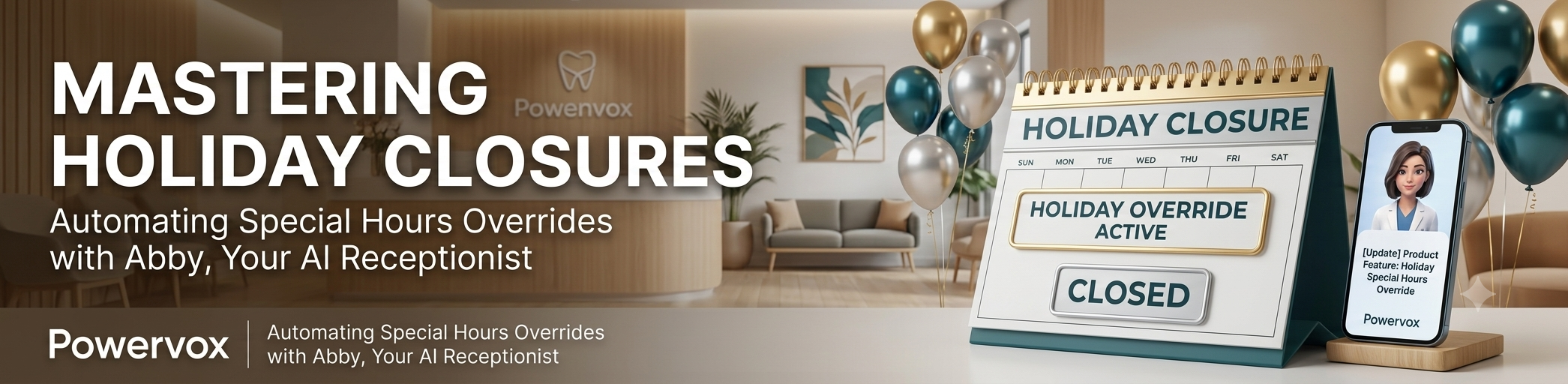
An automated override allows you to preemptively schedule exceptions on your master calendar.
Override Settings: You select specific holiday dates (such as July 4th) and declare your office status as either completely closed or operating on modified split hours (e.g., 9:00 AM to 1:00 PM). Also, set a temporary custom intro during the period you are closed or have modified hours.
Automated Behavior Shift: On the designated day, the system automatically redirects incoming calls. Standard live transfer options are disabled, and Abby adjusts her greeting to your custom, temporary scripting.
Continuous Booking Engine: While Abby stops trying to patch calls to your physical desks, her core integration with your Practice Management System (PMS) remains live. She can still check schedules, confirm incoming bookings, and schedule future appointments for the following week, ensuring you return from your holiday to a pre-filled schedule.
What to evaluate before choosing a solution
Before integrating a system to handle holiday scheduling adjustments, consider these core operational criteria:
Temporary Logic Options: Can you set specific start and end dates for the override so it expires automatically?
Script Adaptability: Does the AI dynamically change its greeting to reflect the specific holiday or occasion?
Booking Continuity: Does the system still allow future bookings for normal business days while actively blocking scheduling slots on the holiday itself?
Emergency Redirection: Can the platform redirect urgent clinical emergencies to your custom on-call emergency line specifically during holiday hours?
Common mistakes or risks
The biggest mistake offices make is relying on standard weekly schedules without a temporary holiday buffer. If a patient calls with a broken crown on a holiday and the AI assumes your office is open, it may repeatedly attempt to transfer the caller to your main desk, creating an endless ring or dropping the call into an unmonitored voicemail. Always set a defined calendar exception well in advance of major holiday blocks.
How Powervox approaches this
Powervox provides complete calendar control under your master settings. Our Special Hours Overrides feature is built to let you schedule temporary exceptions in seconds. You can define exact closure windows for single days or multi-week holiday blocks. Abby automatically transitions into your pre-programmed holiday behavior, greeting patients warmly, blocking out holiday calendars, and continuing to capture future appointment demand while your team is away enjoying their well-earned break.
FAQ
Do I have to remember to turn my normal hours back on after the holiday? No. Because the override is programmed on a specific calendar date window, the system automatically reverts to your standard weekly split hours the moment the calendar exception expires.
Can Abby still book appointments while the office is closed for holidays? Yes. Abby remains active 24/7. She will inform callers that the office is physically closed for the holiday but will seamlessly look up available slots in Open Dental, Dentrix, or Eaglesoft for future operational days.
How does Abby handle emergency calls on a holiday? If a patient describes an urgent dental emergency during a holiday override, Abby follows your specific holiday routing rules, either providing your on-call clinical instructions or transferring the call to an emergency contact number.